

Why DFMSuccess Stories
img
img img About the Webinar Watch Trailer
icon

Rahul Bhardwaj

Senior Technical Lead at Ksolves India Limited
As enterprises scale Apache NiFi deployments, the need for unified governance, seamless multi-cluster operations, and reduced operational overhead becomes critical. Deploying DFM (NiFi Ops Manager) on Azure Kubernetes Service (AKS) brings together the power of a centralized NiFi management platform with the flexibility, security, and resiliency of Azure’s managed Kubernetes offering.
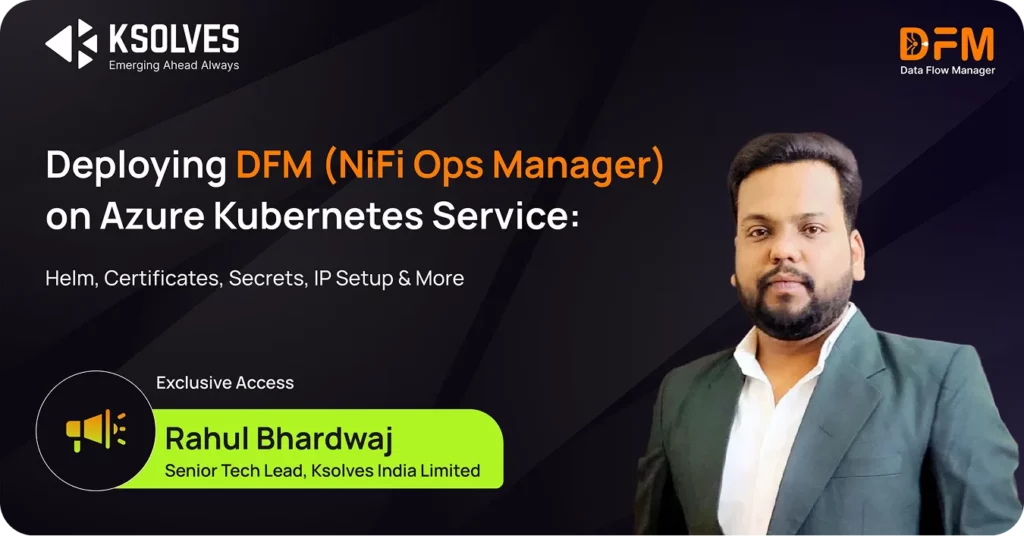
In this in-depth technical session, Rahul Bhardwaj (Senior Technical Lead, Ksolves) provides a complete step-by-step walkthrough of deploying DFM on AKS using Helm. From setting up cluster access to configuring secrets, certificates, namespaces, and load-balanced ingress—this session covers everything required to get DFM running in a production-ready Kubernetes environment.
Perfect for DevOps engineers, data platform teams, and NiFi administrators, this webinar demystifies the deployment journey and equips you to operationalise DFM at scale on AKS confidently.
What You’ll Learn
Understanding DFM & Why AKS
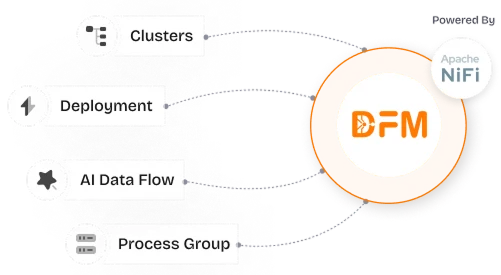
  • What DFM is and how it centralises, streamlines, and governs the full lifecycle of Apache NiFi flows
  • How DFM eliminates direct NiFi UI interactions and increases operational efficiency by 70%
  • Why AKS is the ideal infrastructure choice. Autoscaling, high availability, self-healing pods, Azure AD/RBAC, and seamless integration with Key Vault, Monitor, and Storage
Preparing Your Environment
  • Required CLI tools (Kubectl, Helm, Azure CLI)
  • Setting environment variables for Azure authentication
  • Authenticating through service principals
  • Fetching AKS cluster configuration for kubectl access
Networking & Kubernetes Prerequisites
  • Identifying Node Resource Group and Cluster Region
  • Reserving a Static Public IP for DFM
  • Creating Kubernetes namespaces
  • Setting up Docker registry secrets for private image pulls
Configuring Security & Certificates
  • Installing Cert-Manager for automated certificate generation
  • Enabling self-signed or Let’s Encrypt certificates
  • Adding public IP to certificate configuration for HTTPS access
  • Creating Kubernetes secrets for:
    • DFM Application credentials
    • Licensing information
    • Encryption keys and JWT tokens
Deploying DFM with Helm
  • Unzipping the DFM Helm package
  • Updating values.yaml for:
    • Service configuration (LoadBalancer, ClusterIP)
    • Public IP binding
    • SSL enablement
    • Environment variables
    • Ingress settings
  • Running the Helm install command
  • Validating deployment using kubectl get all
Post-Deployment Verification
  • Checking pods, services, and replica sets
  • Accessing DFM through the browser using the public IP
  • Understanding certificate prompts with self-signed certs
  • Logging into the DFM administrator dashboard
Key Takeaways
  • Learn the complete, end-to-end process of deploying DFM on AKS using Helm
  • Understand how Kubernetes secrets, namespaces, certificates, and load balancers tie into a secure DFM deployment
  • Get a practical blueprint you can replicate across dev, staging, or production environments
  • Discover how DFM + AKS improves NiFi governance, reduces operational complexity, and enhances scalability
  • Walk away with a deploy-ready command flow and best practices straight from an expert AKS implementation

Access On-Demand Webinar

Fill out the form below to gain instant access to our exclusive webinar. Learn from industry experts, discover the latest trends, and gain actionable insights—all at your convenience.

    Name

    Work Email *

    Phone


    Message

    What is 2 + 4 ? dscf7_captcha_icon

    Watch Trailer

    Watch a quick highlight of what this webinar is all about.