




Getting Started as a User
Once DFM is configured by the Administrator, users can log in through the available authentication methods enabled in the system.
Follow the steps below to access DFM as a user.
1. Open the DFM Login Page
- Navigate to the DFM web interface in your browser.
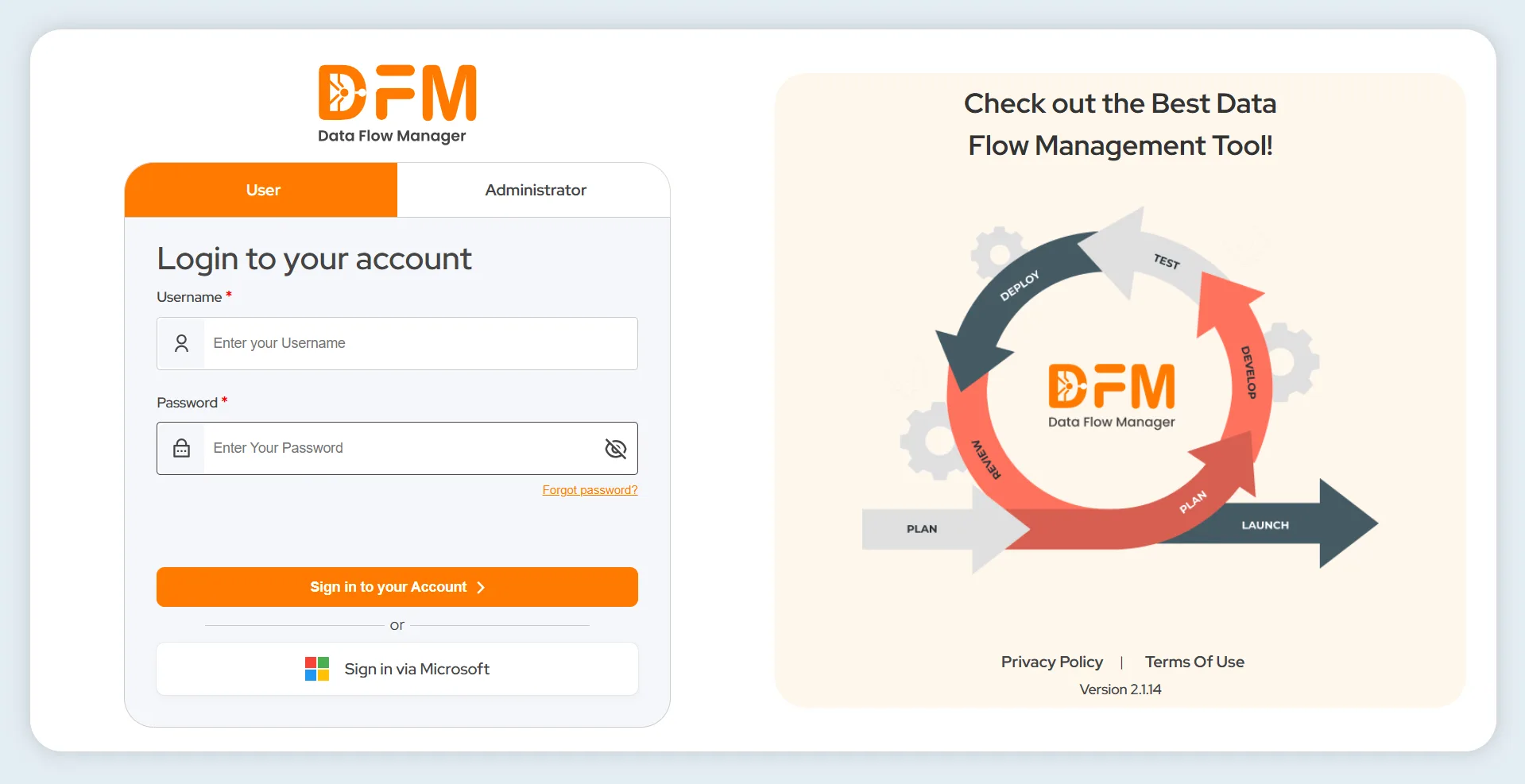
- On the login screen, select the User tab.
2. Identify Available Login Options
- If you see fields for Username and Password, it means LDAP authentication is enabled. Enter your LDAP username and password to log in.
- If you see options such as “Sign in via Keycloak” or “Sign in via Microsoft,” it means SSO login methods (Keycloak or Azure) are enabled. Click the respective button and log in using your organizational credentials.
 1800 121 0218
  +1 (646) 203-1075
  +91 8527471031
 sales@ksolves.com