




Managing Existing Registry from the Registry Modal
1. You can view all registered registries in this list.
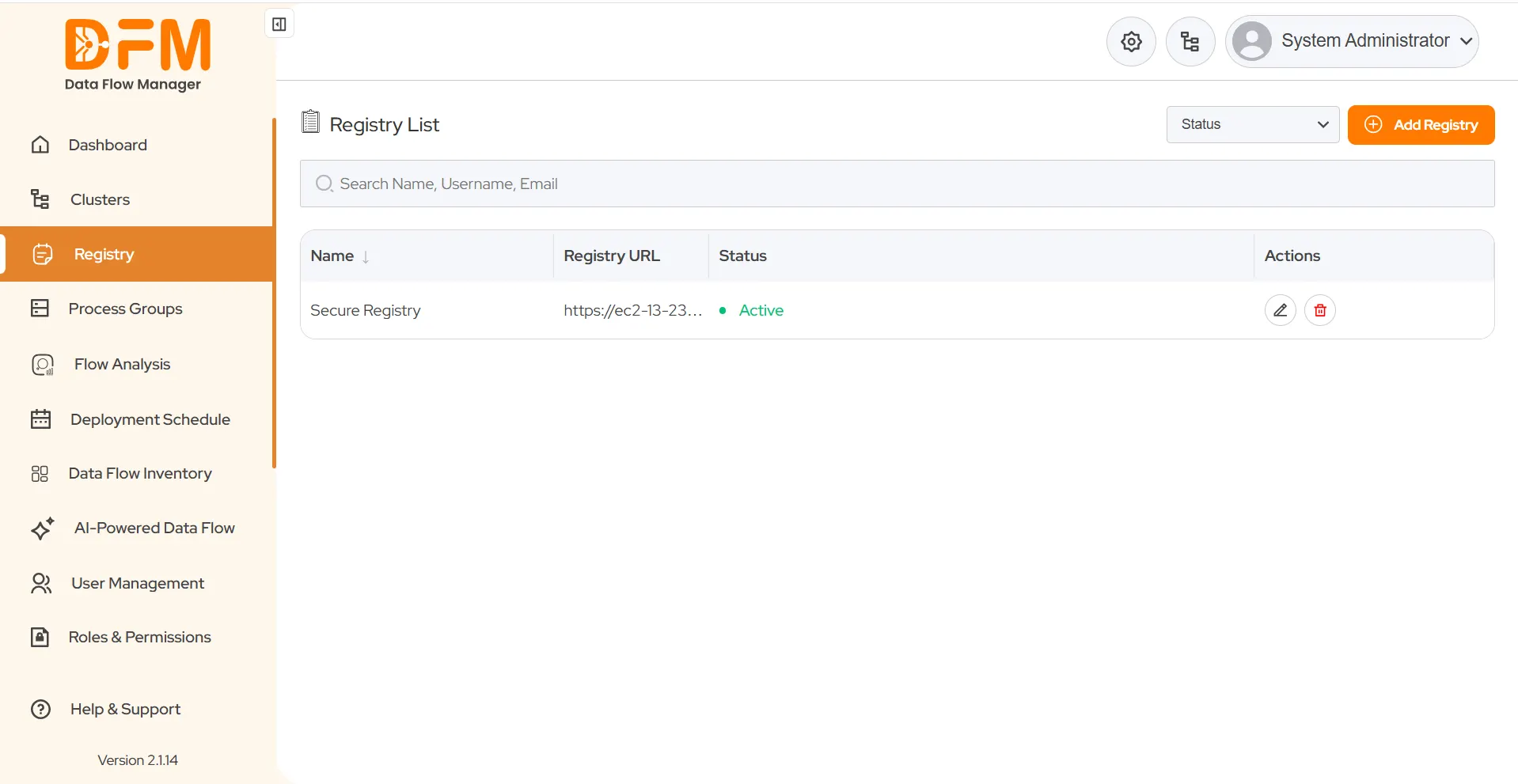
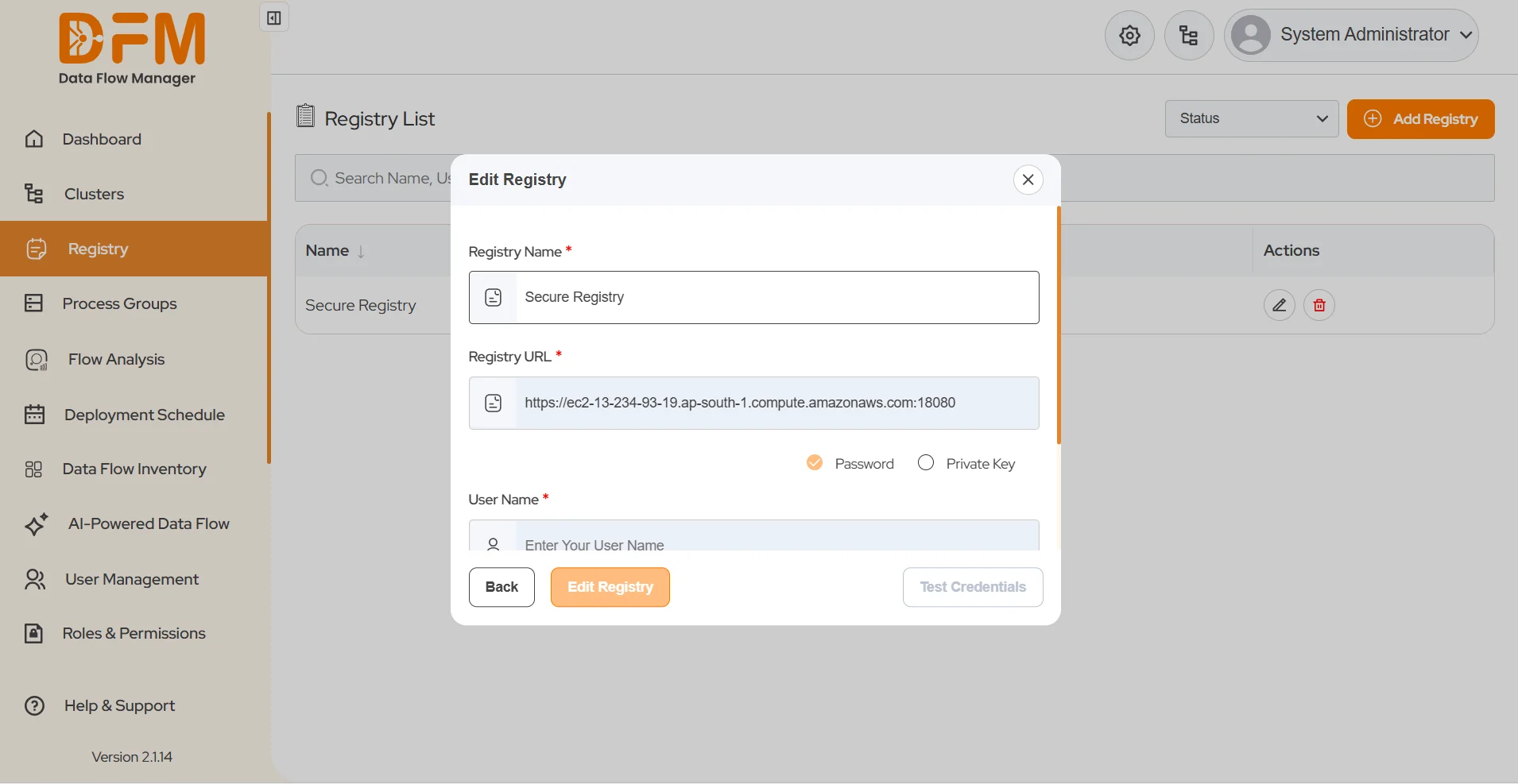
2. To edit a registry:
- Click the pen icon under the Actions column.
- You can update the Registry Name.
- Click Edit Registry once done.
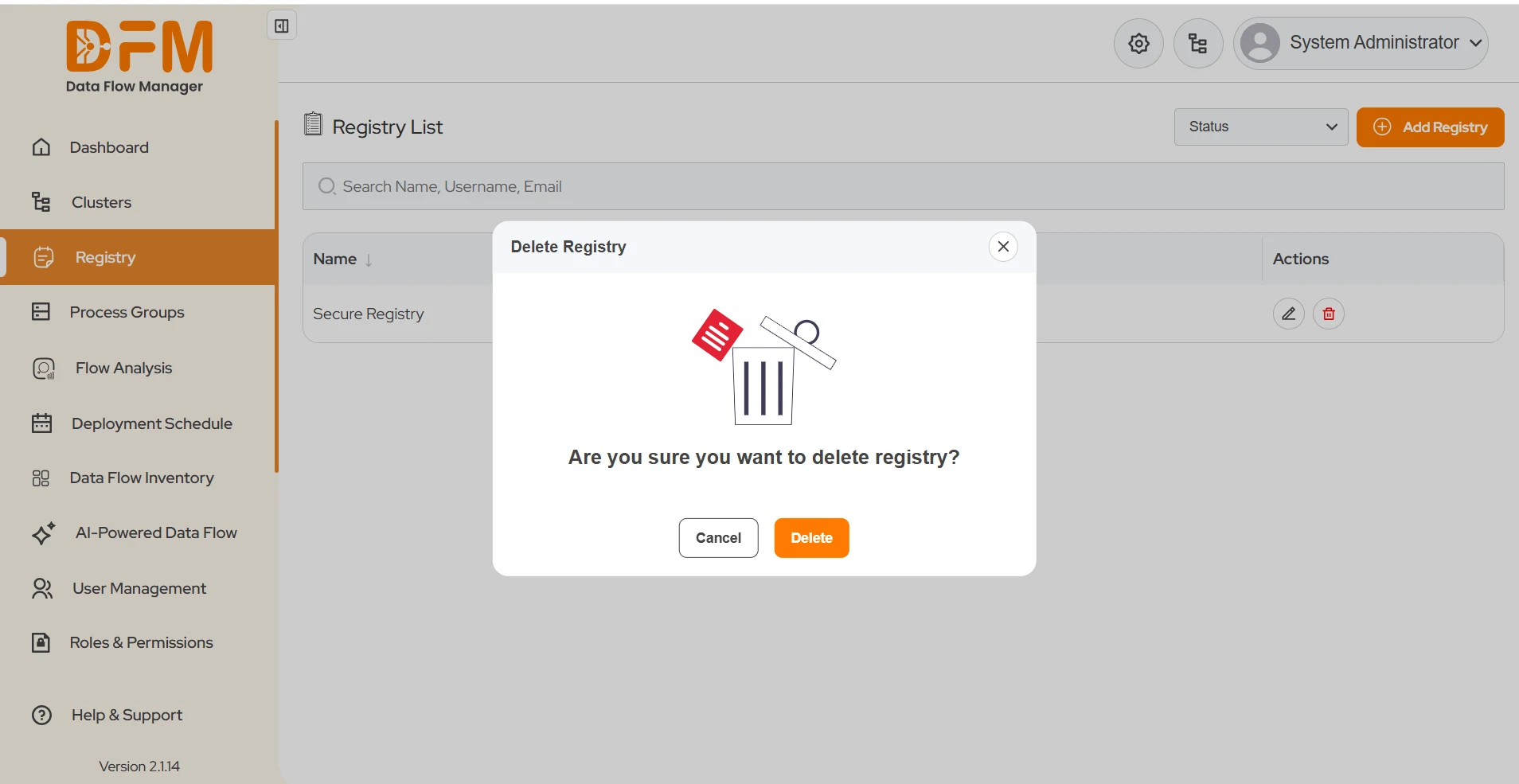
3. To delete a registry:
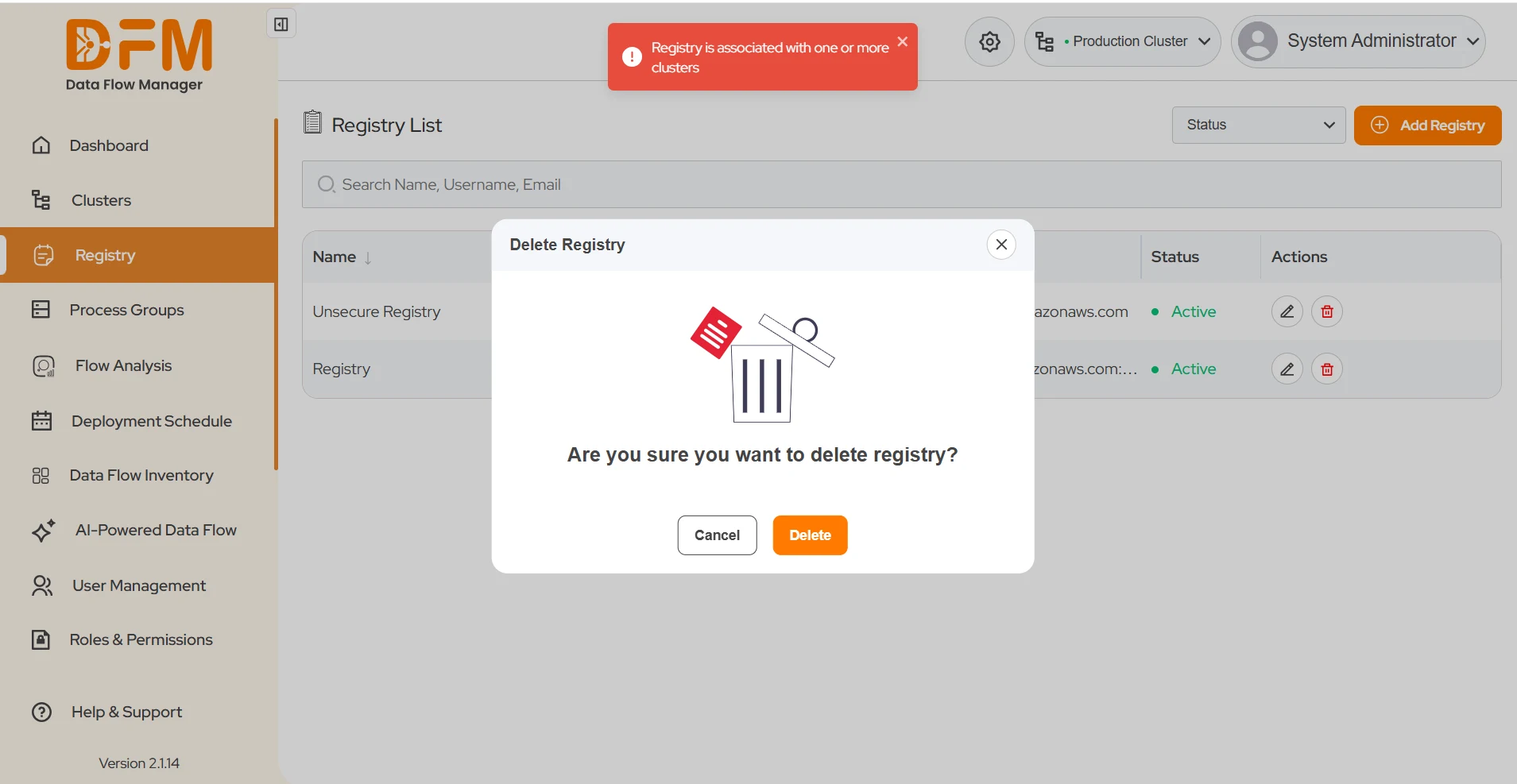
- Click the delete icon under the Actions column.
- A confirmation dialog appears: “Are you sure you want to delete this registry?”
- Click Delete to confirm.
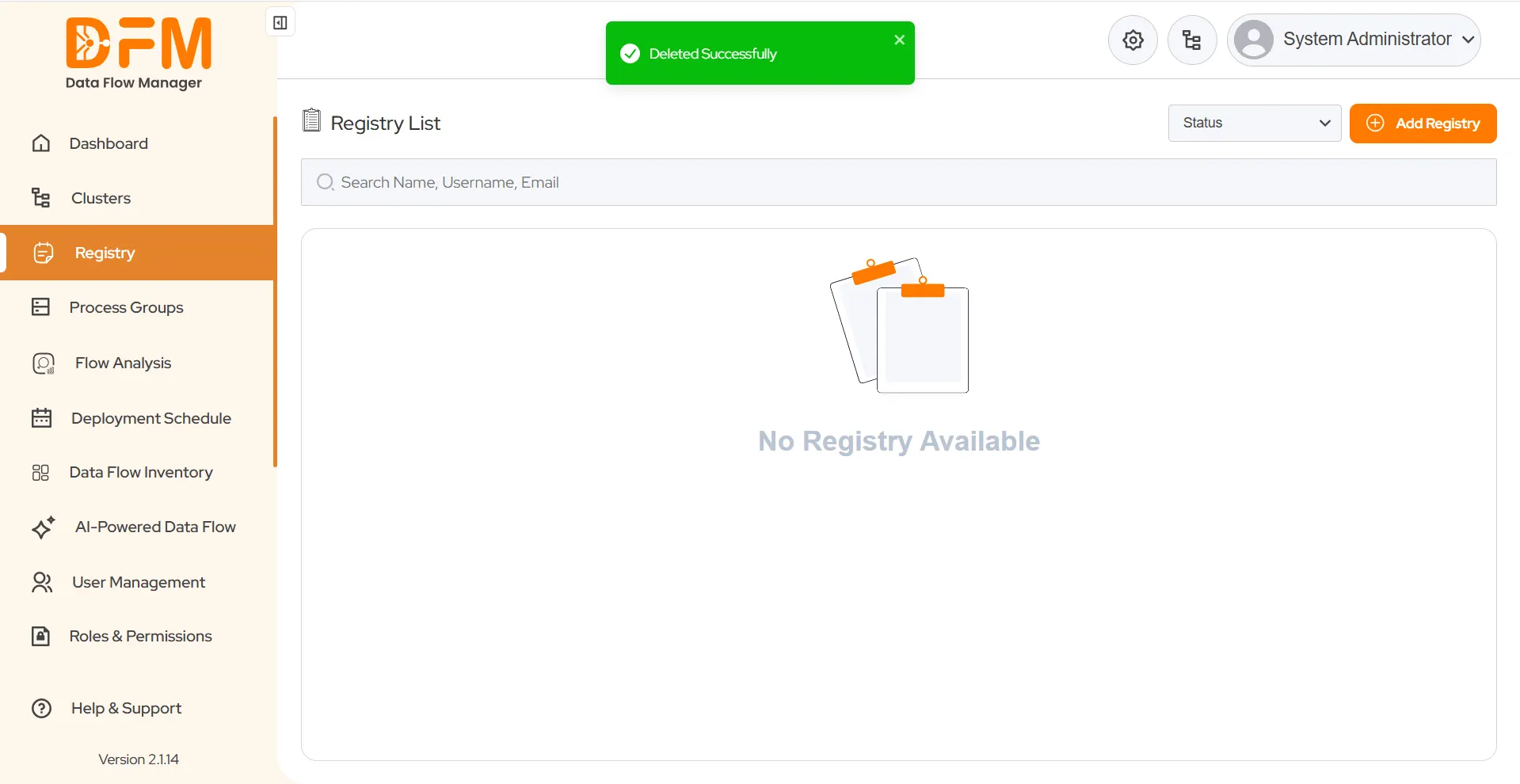
- If the registry is not associated with any cluster, you’ll see a success toast: “Deleted Successfully.”
- If it is associated with one or more clusters, you’ll see: “Registry is associated with one or more clusters.”
 1800 121 0218
  +1 (646) 203-1075
  +91 8527471031
 sales@ksolves.com