




View node details of a cluster
Once you log into the cluster, check the number of total nodes and connected nodes. Under the Actions tab, click the info icon to view the node details of the cluster.
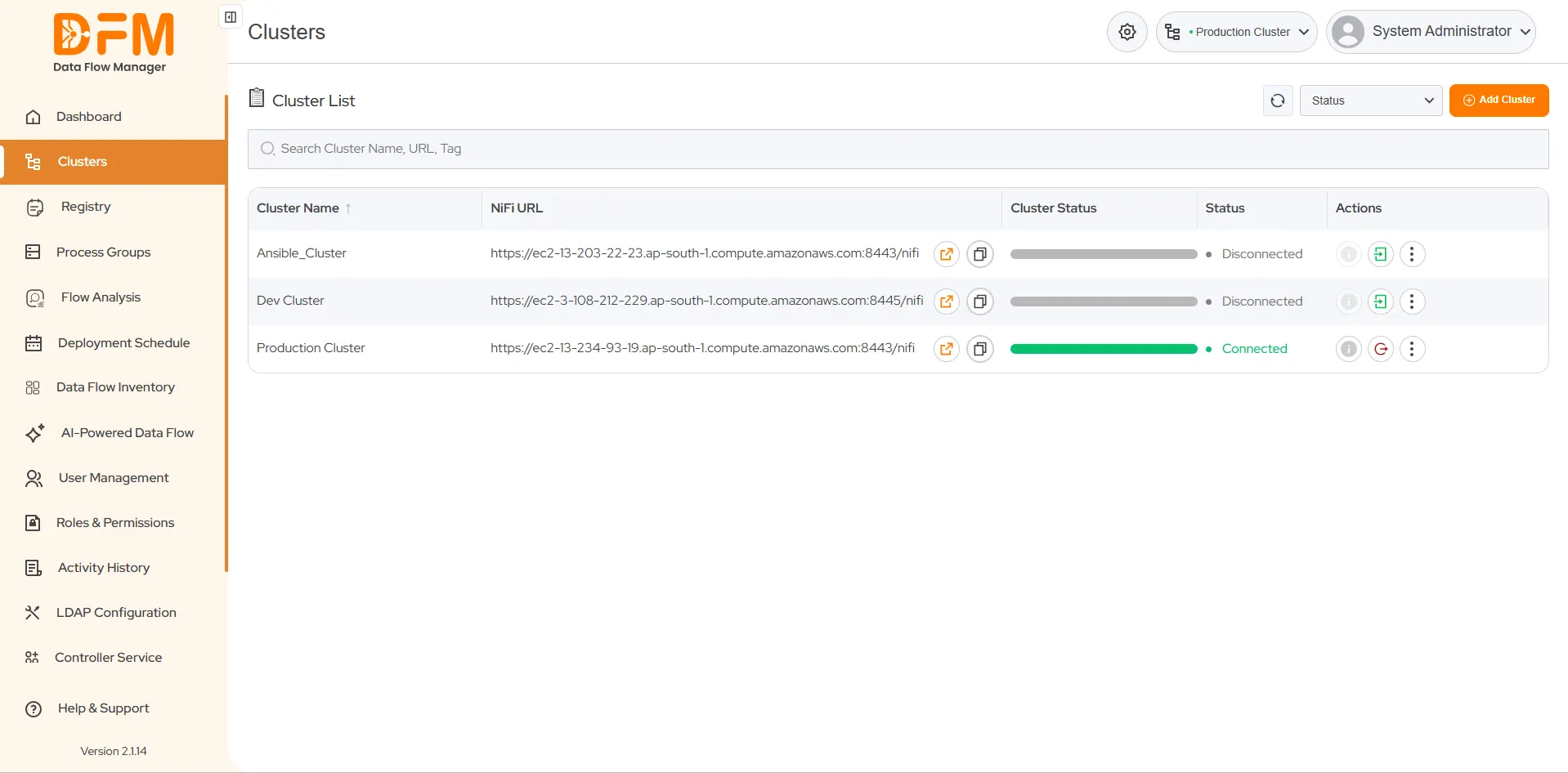
Once you log into the cluster, check the number of total nodes and connected nodes. Under the Actions tab, click the info icon to view the node details of the cluster.
 1800 121 0218
  +1 (646) 203-1075
  +91 8527471031
 sales@ksolves.com