




How to schedule the upgrade of a process group?
To schedule the upgrade of a process group:
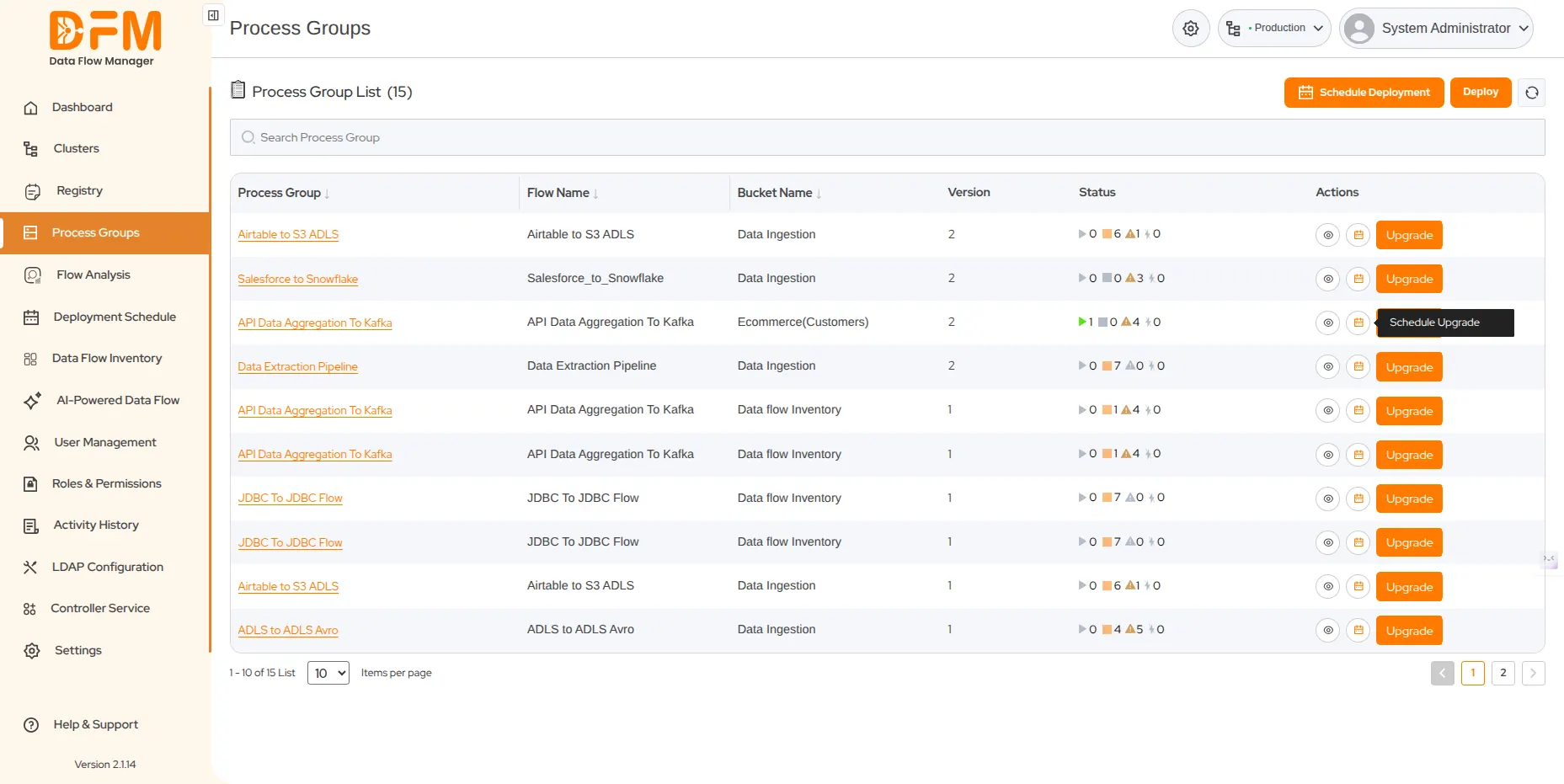
- Go to the Process Groups tab where you will find the list of process groups from the clusters you are currently logged in to.
- Decide the process group that you want to schedule for an upgrade. Click the calendar icon from the Actions column of the selected process group.
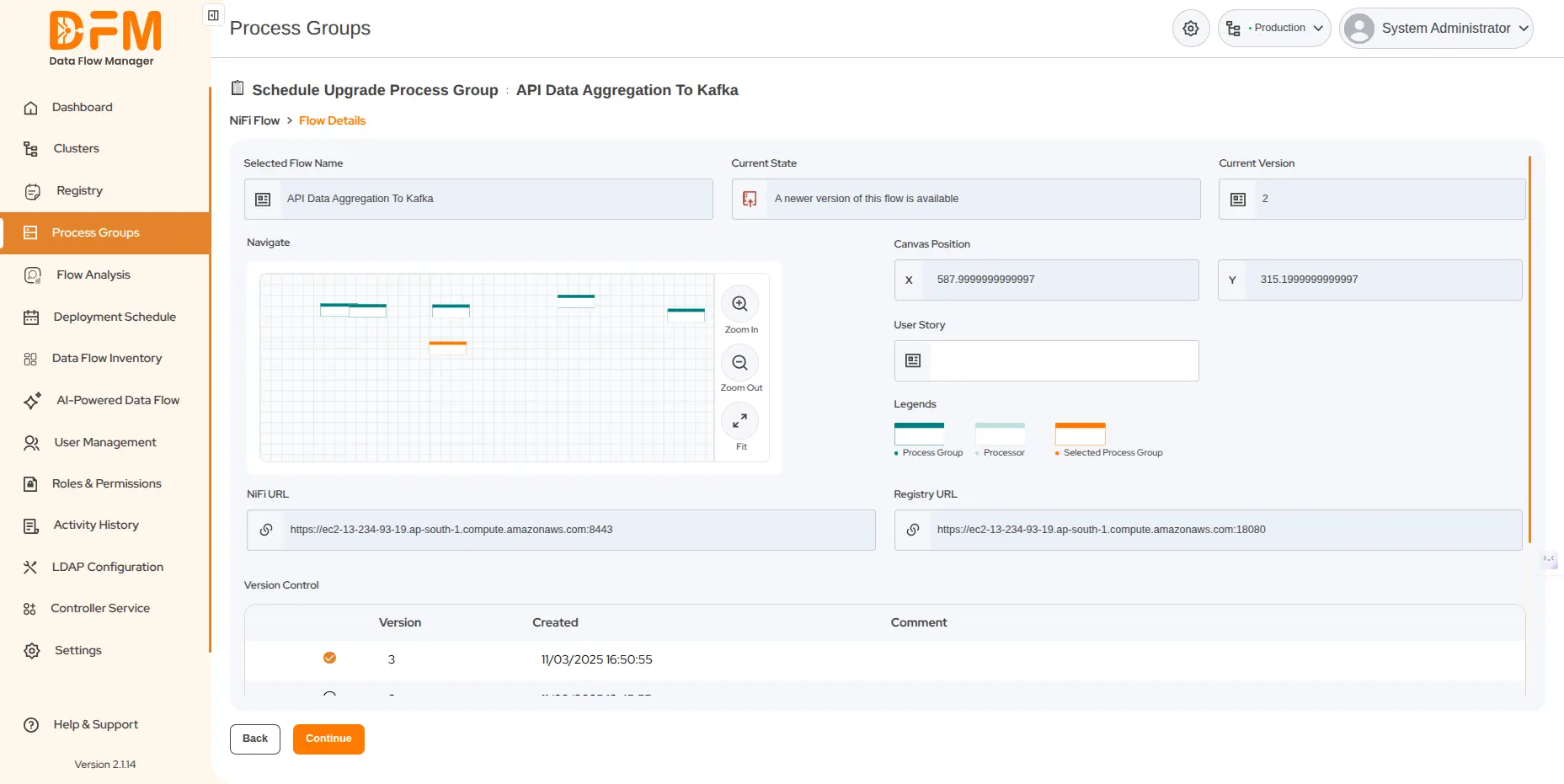
- Select the flow version and continue.
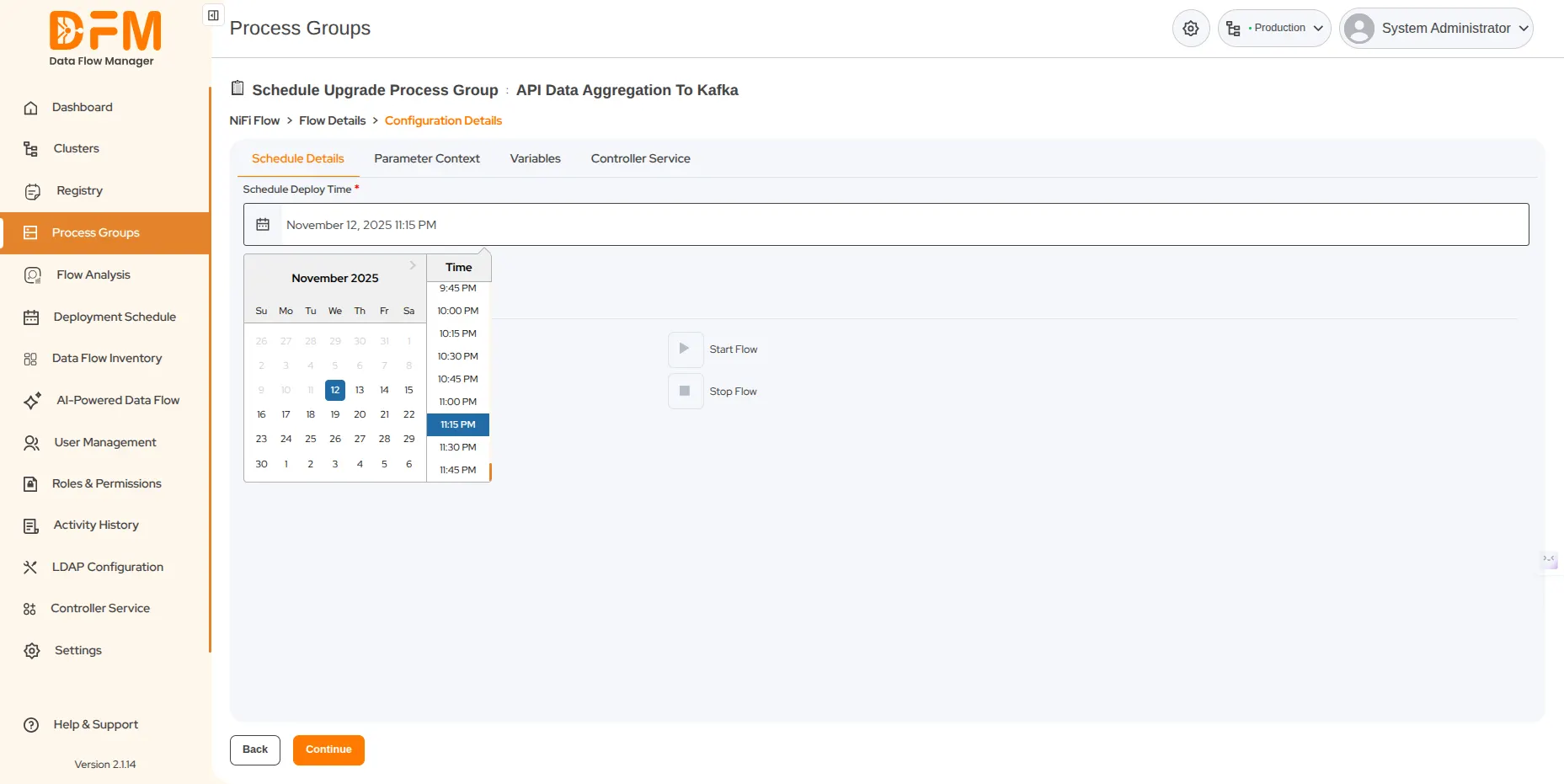
- Set the date and time for the upgrade. Choose to start the flow, if needed.
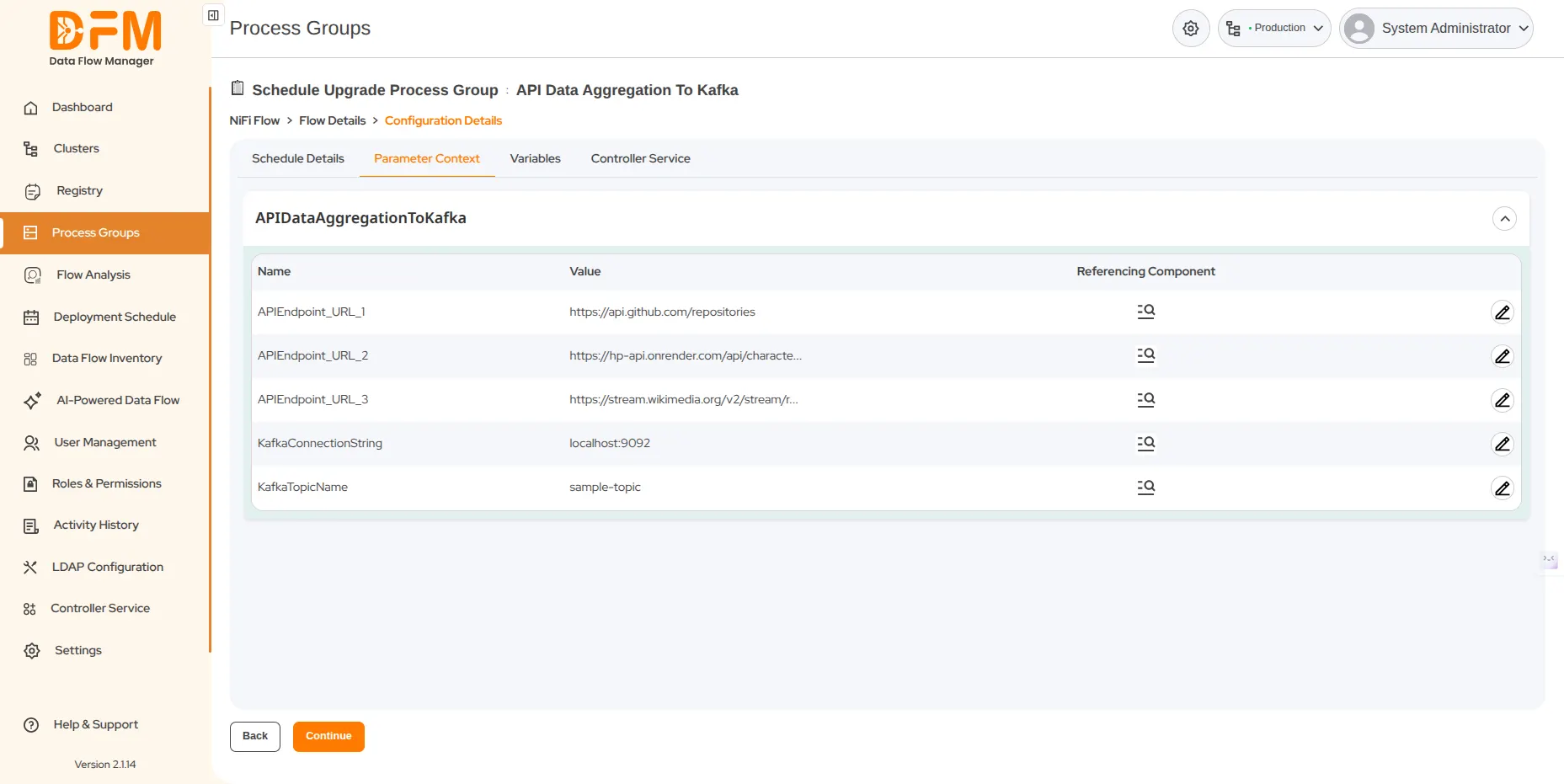
- Edit the parameter contexts and variables, if required.
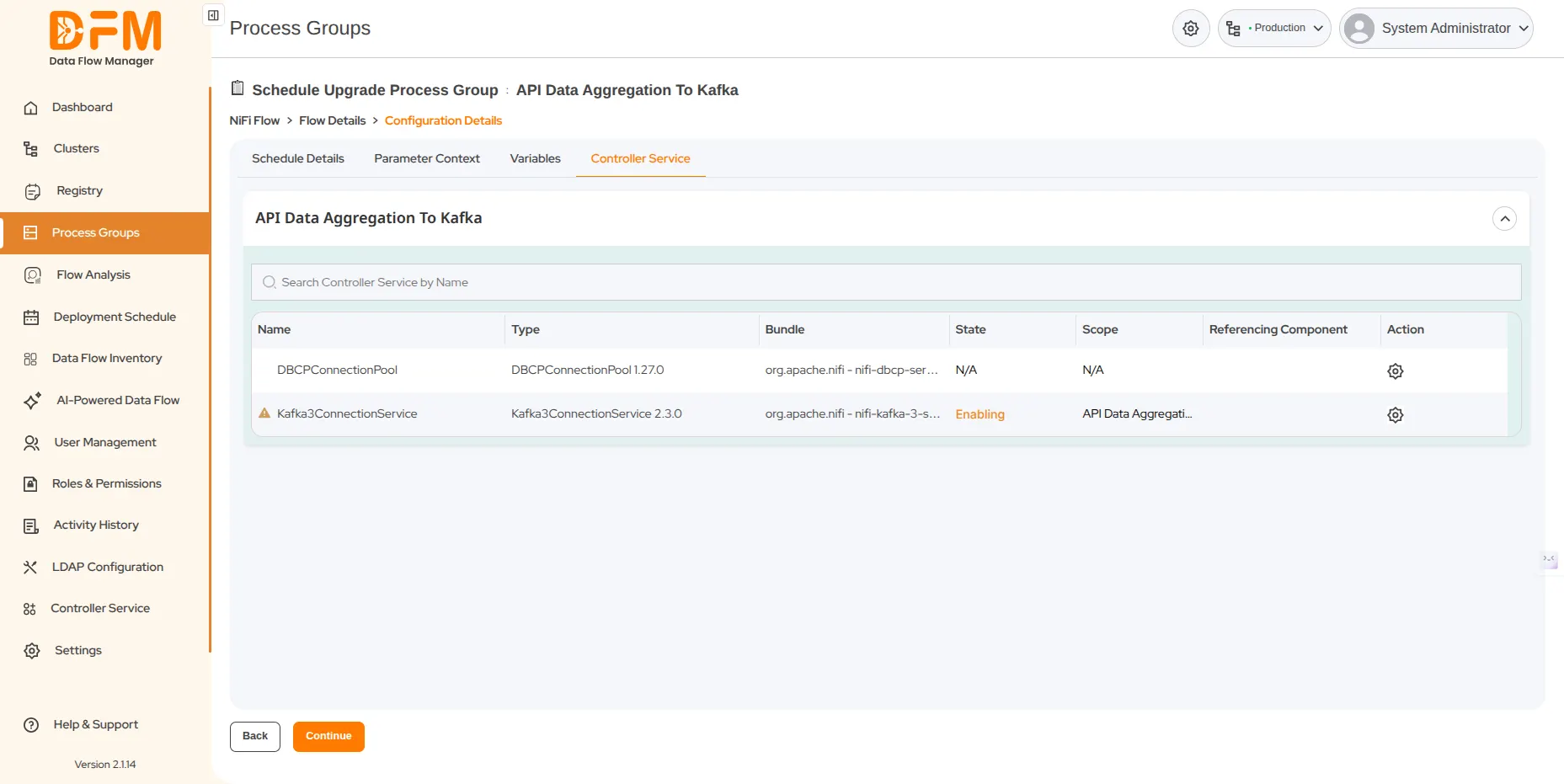
- Configure the required controller services.
- Click Continue. You’ll be directed to the summary page containing the flow details and the scheduled time. Verify them and schedule the upgrade.
 1800 121 0218
  +1 (646) 203-1075
  +91 8527471031
 sales@ksolves.com