




Accessing Data Flow Inventory
1. Open Data Flow Inventory
- From the navigation menu, select Data Flow Inventory.
- The module opens, displaying all available flows.
- Ensure that a NiFi cluster is logged in before proceeding.
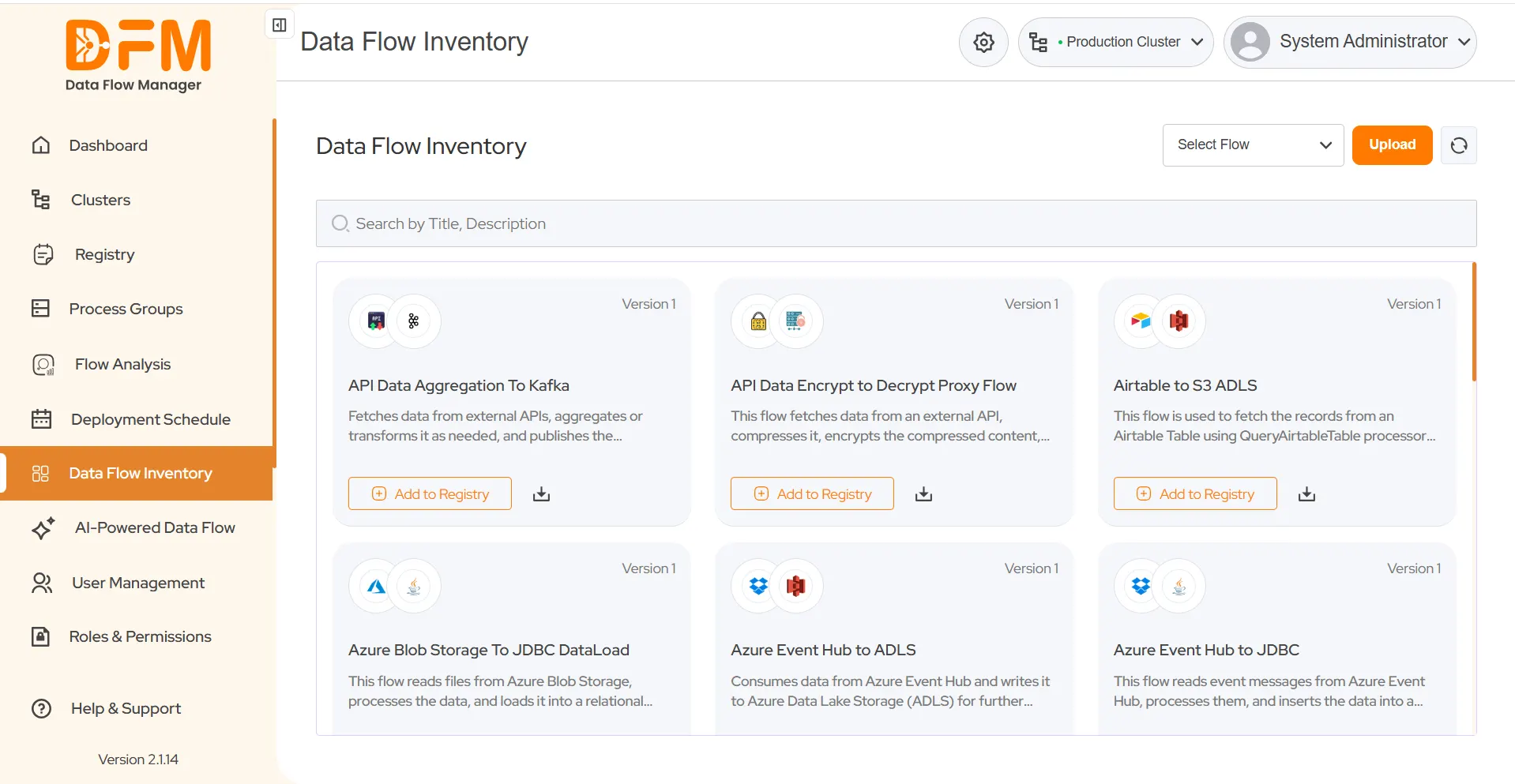
2. Explore Available Flows
-
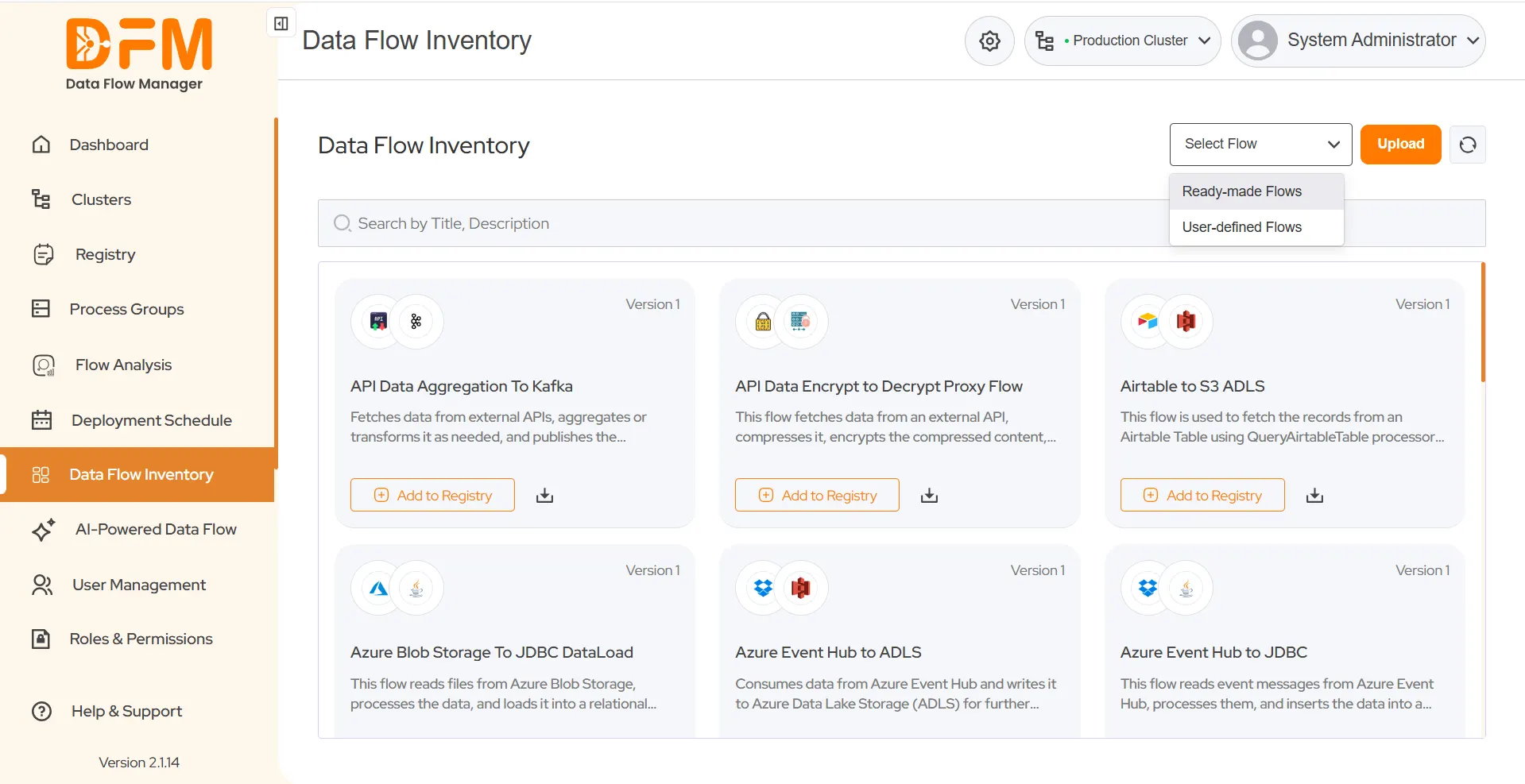
On the top right corner, use the Select Flow Type dropdown to view:
Ready-made Flows
- Pre-built flows that come with DFM by default.
- Designed for common data movement use cases.
- Can be directly added to the registry and deployed to NiFi.
User-defined Flows
- Custom flows uploaded by users.
- Saved in the inventory for reuse by other users.
- Can also be added to the registry and deployed like ready-made flows.
 1800 121 0218
  +1 (646) 203-1075
  +91 8527471031
 sales@ksolves.com