




Flow Compare
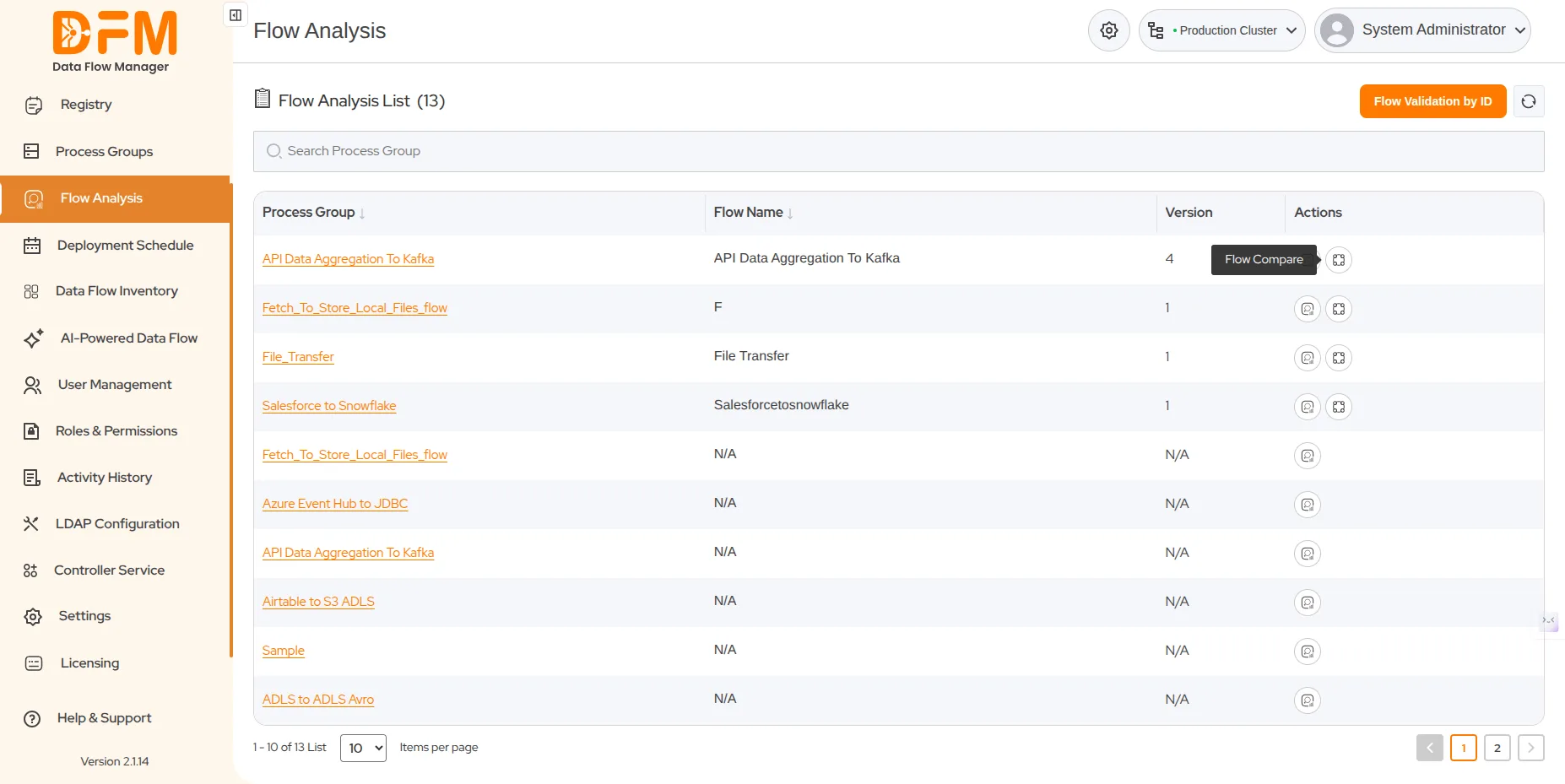
- To compare flow versions to detect configuration drift or version mismatches, click on the flow compare icon of a process group, which is present in the action column
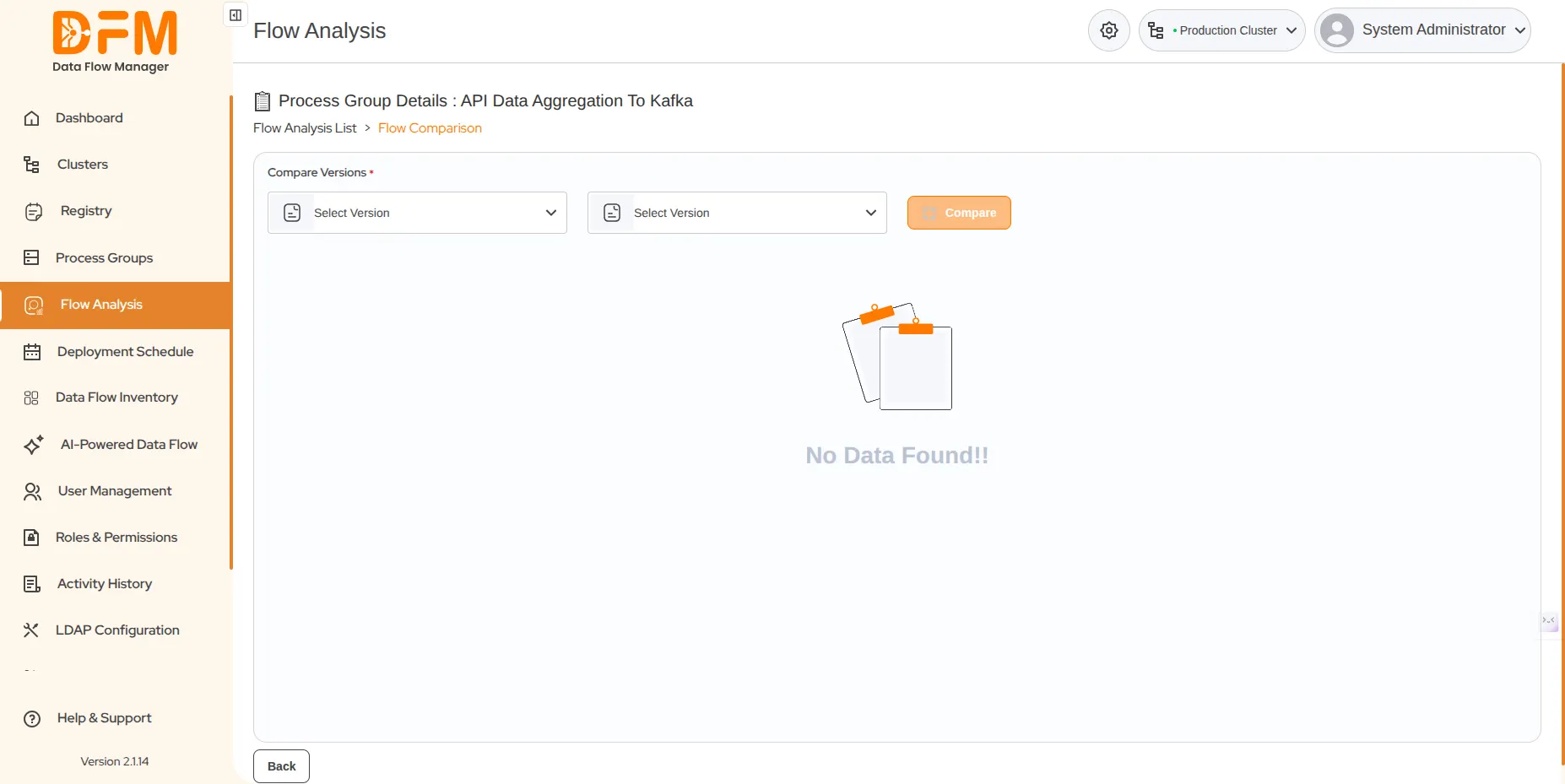
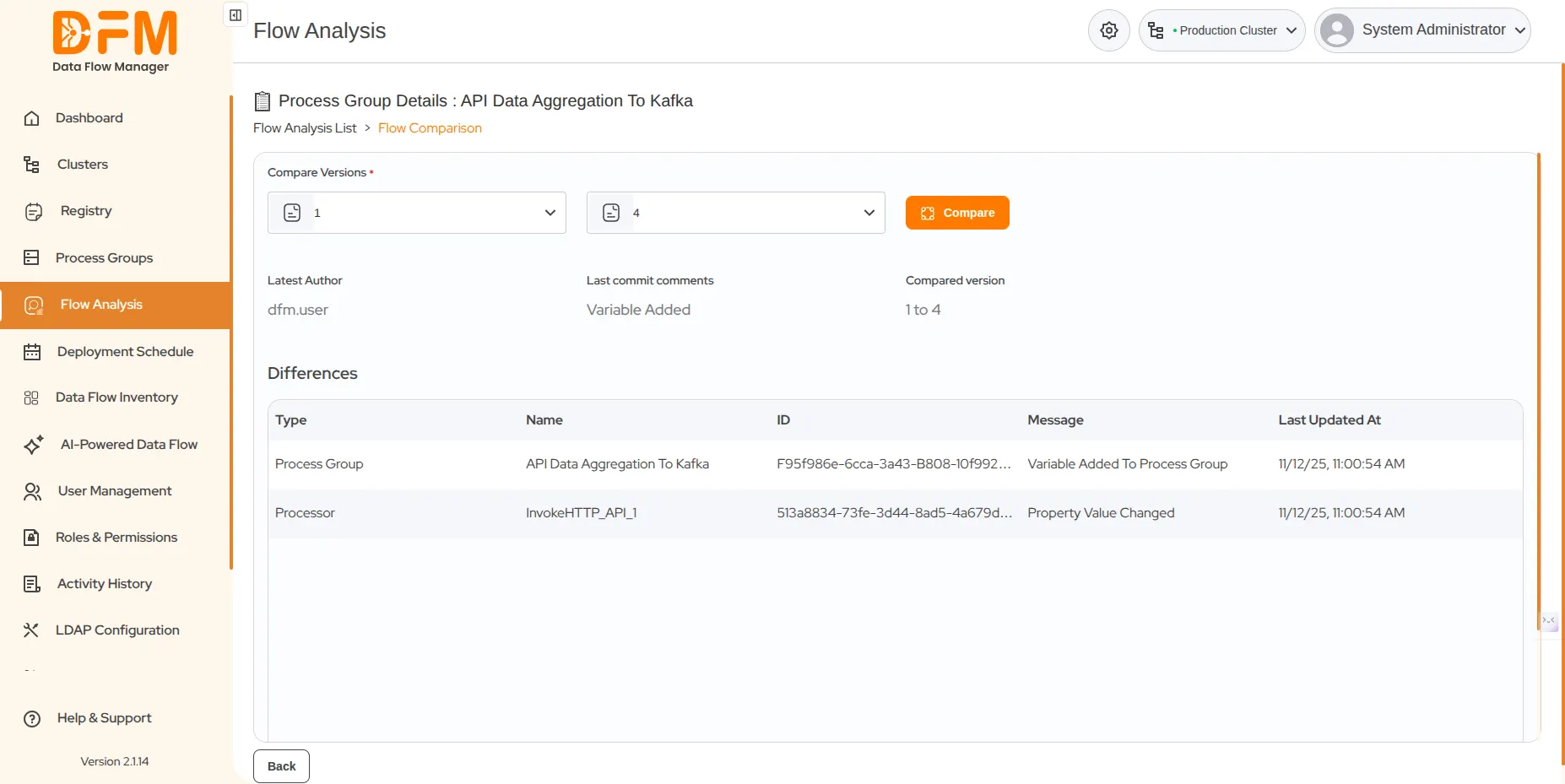
- Select the initial and final versions, or any two versions, from the “Select Version” dropdown in the Compare Version section click the “Compare” button to compare them.
- click the “Compare” button to compare them. Where it will display the differences between both the selected versions of a process group.
 1800 121 0218
  +1 (646) 203-1075
  +91 8527471031
 sales@ksolves.com